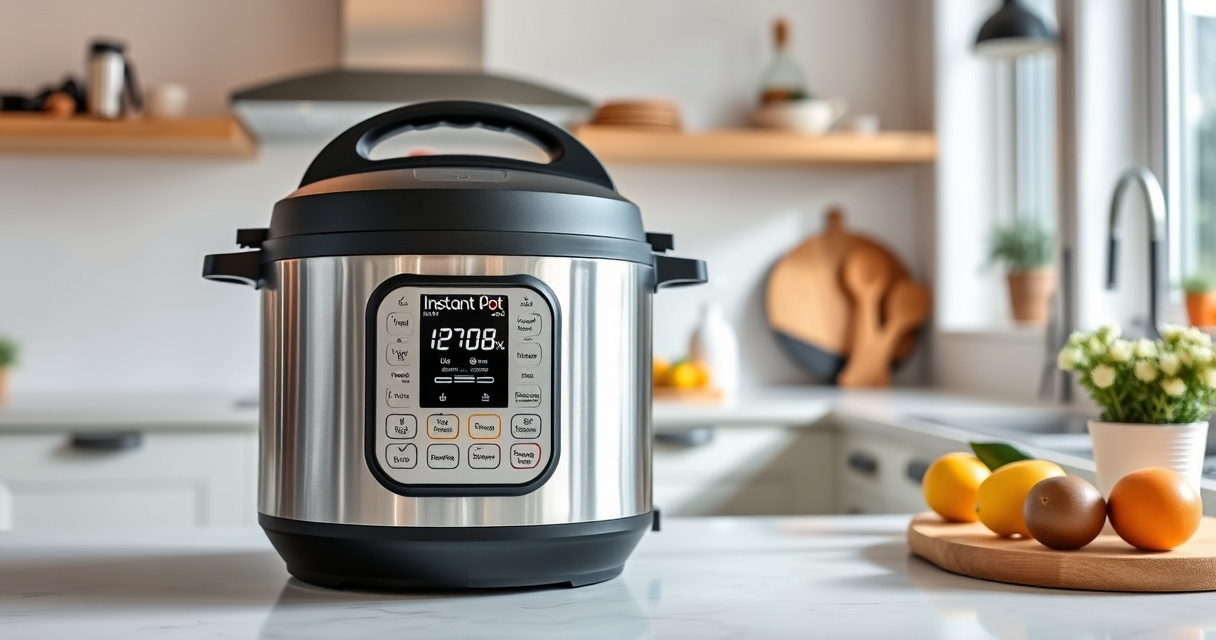

If your Instant Pot 4QT RIO Mini 7-in-1 Multi-Cooker is showing a burn error, it can be frustrating and disrupt your meal prep. This common issue often stems from food sticking to the bottom or improper sealing, but it can usually be fixed with some straightforward troubleshooting steps. In this guide, you’ll find detailed, safe instructions to help you resolve the burn error and get your cooker back to cooking delicious meals.
Key Takeaways
| Identify the cause | Burn errors often result from food sticking or insufficient liquid. |
| Clean the bottom | Thoroughly clean the inner pot and heating element. |
| Check the sealing ring | Ensure the silicone sealing ring is properly installed and intact. |
| Adjust ingredients | Add enough liquid and avoid thick or sticky ingredients at the start. |
| Perform a quick reset | Reset the Instant Pot to clear the error and restart cooking. |

Instant Pot 4QT RIO Mini 7-in-1 Multi-Cooker, Pressure Cooker, Slow cook, Sauté, Steam, Rice Maker, Yogurt, & Warmer, Black, 4 Quarts
- 7-in-1 Cooking Functions: Pressure, slow, sauté, steam, rice, yogurt, warm
- Compact and Space-Saving: Mini size with full cooking surface
- Ideal for Small Meals: 4-quart capacity for up to 4 servings
As an affiliate, we earn on qualifying purchases.
Step 1: Turn Off and Unplug
Before troubleshooting, turn off your Instant Pot and unplug it from the power source. Remove the inner pot and any food inside.

AOZITA Steamer Basket for Instant Pot Accessories 6 qt or 8 quart - 2 Tier Stackable 18/8 Stainless Steel Mesh - Silicone Handle - Vegetable Steamer Insert, Egg Basket, Pasta Strainer,Silver
- 2-Tier Stackable Design: Cook multiple foods simultaneously
- Versatile Cooking Uses: Steam, strain, and prepare broths
- High-Quality Material: Made from durable 18/8 stainless steel
As an affiliate, we earn on qualifying purchases.
Step 2: Clean the Inner Pot and Heating Element
- Wash the inner pot thoroughly with warm, soapy water to remove any residual food or burnt bits.
- Use a soft brush or cloth to clean the heating element area underneath the inner pot to ensure no debris is obstructing heat transfer.
Step 3: Check the Sealing Ring
Inspect the silicone sealing ring for cracks, tears, or deformation. Ensure it is seated correctly in the lid, creating a proper seal. If damaged, replace it with a compatible ring.
Step 4: Add Adequate Liquid and Proper Ingredients
- Ensure there is enough liquid in the recipe, typically at least 1 cup for most dishes, to generate steam and pressure.
- Avoid thick or sticky ingredients at the beginning. Stir ingredients well and consider deglazing the bottom with some broth or water to prevent burning.
Step 5: Reset and Test
Place the inner pot back, secure the lid properly, and close the pressure valve. Plug in the cooker, turn it on, and select a short cooking cycle to test if the error persists. If the burn error appears again, repeat cleaning and check for other issues.
The Products in This Guide

Instant Pot 4QT RIO Mini 7-in-1 Multi-Cooker
- ✔ Power: 1000W
- ✔ Dimensions: 10 x 8 x 8 inches
- ✔ Warranty: 1 Year

AOZITA Steamer Basket
- ✔ Capacity: 2 tiers
- ✔ Color: Silver
- ✔ Weight: 1.2 lbs
Instant Pot 4QT RIO Mini 7-in-1 Multi-Cooker
The Instant Pot 4QT RIO Mini is a versatile, 7-in-1 appliance perfect for small households. Its compact size and multiple functions make it a practical choice, though users may occasionally encounter burn errors if not used properly.
Pros:
- Compact size fits small kitchens
- 7 cooking functions for versatility
- Easy to clean and store
- Monitor cooking progress at a glance
Cons:
- Potential for burn errors if not careful
- Limited capacity for larger meals
- Requires proper sealing for optimal use
Best for: Small families, singles, students needing versatile cooking
Not ideal for: Large families or those cooking big batches frequently
Bottom line: A versatile and space-saving multi-cooker suited for small households, with some attention needed to avoid burn errors.
AOZITA Steamer Basket
The AOZITA Steamer Basket adds versatility to your Instant Pot, allowing you to steam multiple foods simultaneously and improve your cooking experience. It’s a helpful accessory for batch cooking and making healthy meals.
Pros:
- Two-tier stackable design
- Stainless steel mesh for durability
- Compatible with 6 and 8 qt models
- Easy to clean
Cons:
- Adds extra cleaning step
- Requires space in the cooker
- May need to adjust cooking times
Best for: Steaming vegetables, seafood, or making layered meals
Not ideal for: Cooking large quantities in one pot
Bottom line: A durable, practical steaming accessory that maximizes your Instant Pot’s functionality.
Frequently Asked Questions
Why does my Instant Pot keep showing a burn error?
Burn errors typically occur due to food sticking to the bottom, insufficient liquid, or a damaged sealing ring. Proper cleaning and ingredient adjustments usually fix the issue.
How can I prevent burn errors in the future?
Ensure there is enough liquid in your recipe, stir ingredients well, and avoid thick or sticky foods at the start. Regularly check the sealing ring for damage.
Is cleaning the heating element necessary?
Yes, cleaning the heating element area helps prevent food buildup that can cause burn errors. Use a soft cloth or brush to keep it clean.
Can I reuse the sealing ring?
Absolutely. Just inspect it regularly for cracks or deformation. Replacing it when worn ensures proper sealing and safety.
Your Path to Smooth Cooking
By following these troubleshooting steps, you can effectively resolve burn errors on your Instant Pot 4QT RIO Mini. Regular maintenance, proper ingredient management, and ensuring a good seal will keep your cooker functioning smoothly. With patience and care, you’ll continue enjoying quick, delicious meals without interruptions.
Affiliate disclosure: As an Amazon Associate we earn from qualifying purchases. Prices and availability are accurate as of the time of publishing.