
Overheating in your Vitamix blender can interrupt your blending sessions and potentially damage the motor. Understanding the common causes and knowing how to address them can extend your blender’s lifespan and ensure smooth operation.

Get kitchen gear delivered free — and shop member deals
- Fast, free delivery on millions of items
- Access to Prime Big Deal Days deals on October 6–7
- Prime Video, Amazon Music and more included
This guide provides clear, step-by-step instructions to diagnose, fix, and prevent overheating in your Vitamix Ascent X3 blender.
Key Takeaways
| Overheating Causes | Motor strain from overloading or blending hot ingredients. |
| Preventive Measures | Avoid running the blender continuously for too long. |
| Quick Fixes | Allow the motor to cool down before restarting. |
| Maintenance Tips | Regularly check and replace blades if dull or damaged. |
Identify the Overheating Cause
- Check if you’ve been blending large or hot ingredients for extended periods.
- Notice if the blender stops mid-cycle or emits a burning smell.
Allow the Blender to Cool Down
- Unplug the Vitamix Ascent X3 from the power outlet.
- Let the motor cool for at least 15-30 minutes before attempting to use it again.
Reset and Restart
- After cooling, press the power button to reset the motor.
- Start blending on a lower speed and gradually increase to prevent overheating.
Reduce Overloading and Hot Ingredients
- Do not overload the container; stick to recommended batch sizes.
- Avoid blending hot ingredients directly; let them cool slightly or use the soup setting with caution.
Perform Maintenance
- Inspect blades for dullness or damage; replace if necessary with the Vitamix Wet Blade Assembly.
- Clean the container and lid regularly to prevent blockages and overheating.
The Products in This Guide

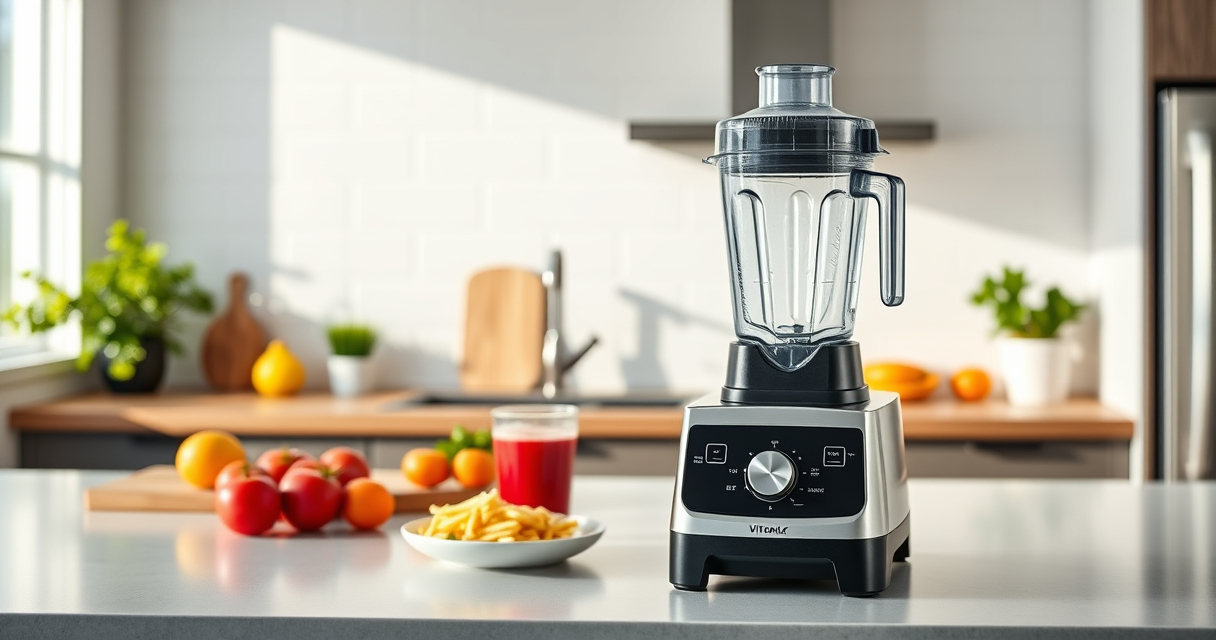
Vitamix Ascent X3 Blender
- ✔ Capacity: 48 oz
- ✔ Blade type: Stainless steel
- ✔ Programs: 3 automatic

Vitamix Wet Blade Assembly
- ✔ Material: Stainless steel
- ✔ Compatibility: 48 & 64 oz containers
- ✔ Blade Size: 4 inches
Vitamix Ascent X3 Blender
The Vitamix Ascent X3 Blender is a powerful, professional-grade appliance designed for versatile blending tasks. Overheating can occur if used improperly, but following proper usage and maintenance tips can prevent issues.
Pros:
- Powerful motor for tough ingredients
- Multiple blending programs
- Self-cleaning feature
- Stainless-steel blades for durability
Cons:
- Can overheat with continuous use
- Requires proper maintenance
- Higher price point
Best for: Smoothies, hot soups, frozen desserts
Not ideal for: Continuous heavy-duty blending without breaks
Bottom line: Proper use and maintenance ensure your Vitamix Ascent X3 performs reliably without overheating.
Vitamix Wet Blade Assembly
The Vitamix Wet Blade Assembly is designed for use with 48- and 64-ounce containers, ensuring efficient blending and durability. Replacing dull blades can prevent motor strain and overheating.
Pros:
- Durable stainless-steel blades
- Easy to install
- Reduces motor strain
- Compatible with multiple containers
Cons:
- Not compatible with newer containers
- Requires manual replacement
- Specific to older models
Best for: Replacing worn blades to prevent overheating
Not ideal for: Use with incompatible containers or newer models
Bottom line: Replacing your blades with this assembly can significantly reduce overheating risks.
Frequently Asked Questions
Why does my Vitamix stop working during blending?
The motor may overheat due to continuous use or overload. Allow it to cool down before restarting.
Can I blend hot ingredients without overheating?
It’s best to let hot ingredients cool slightly or use the soup setting cautiously to prevent overheating.
How often should I replace blades to prevent overheating?
Inspect blades regularly; replace when dull or damaged to maintain optimal performance and avoid motor strain.
What is the best way to prevent my Vitamix from overheating?
Avoid overloading, blend in shorter bursts, and give the motor time to cool between heavy cycles.
Keep Your Vitamix Running Smoothly
Understanding the causes of overheating and following recommended troubleshooting steps can help you keep your Vitamix Ascent X3 in top condition. Regular maintenance and proper usage are key to preventing future issues and enjoying seamless blending for years to come.
Affiliate disclosure: As an Amazon Associate we earn from qualifying purchases. Prices and availability are accurate as of the time of publishing.
Fall Picks
fall essentials
As an affiliate, we earn on qualifying purchases.