
If your Keurig K-Mini Single Serve Coffee Maker isn’t turning on, it can be frustrating. Fortunately, most issues are simple to diagnose and fix with the right approach. This guide will walk you through common causes, step-by-step solutions, and helpful tips to restore your coffee maker’s function safely and effectively.

Get kitchen gear delivered free — and shop member deals
- Fast, free delivery on millions of items
- Access to Prime Big Deal Days deals on October 6–7
- Prime Video, Amazon Music and more included
Before proceeding, ensure your coffee maker is plugged into a working outlet, and always unplug the device before troubleshooting to avoid electrical hazards.
Key Takeaways
| Power supply | Check the outlet and power cord for faults. |
| Electrical components | Inspect the power button and internal wiring. |
| Water reservoir | Ensure proper water placement and reservoir connection. |
| Reset & maintenance | Perform a reset or descale if needed. |
Check the Power Source
- Ensure the coffee maker is securely plugged into a functioning electrical outlet. Test the outlet with another device, such as a lamp, to confirm power supply.
- Check the power cord for any visible damage or fraying. If damaged, discontinue use and replace the cord.
- Try plugging the coffee maker into a different outlet to rule out outlet issues.
Inspect the Power Button and Internal Components
- Press the power button firmly to ensure it isn’t stuck or unresponsive.
- If the button feels stuck or loose, avoid forcing it, and consider professional repair.
- Unplug the unit, wait 30 seconds, then plug it back in to see if it resets.
Check the Water Reservoir and Placement
- Remove the water reservoir and refill it with fresh water, ensuring it isn’t empty or improperly seated.
- Reattach the reservoir securely to ensure proper contact with the machine.
- Make sure the reservoir’s water level is within the acceptable range for operation.
Perform a Reset or Descaling
If your Keurig still won’t turn on, try resetting it or performing a descaling process. Use a descaling solution or a mixture of vinegar and water, following the manufacturer’s instructions. This can clear internal mineral buildup that may interfere with the electronics.
Additional Troubleshooting Tips
- Ensure the machine’s auto-off feature isn’t activating prematurely—try turning it on again after a few minutes.
- Clean the area around the power button to remove dust or debris that could hinder contact.
- If your machine still doesn’t turn on after these steps, contact Keurig customer support for professional assistance.
The Products in This Guide

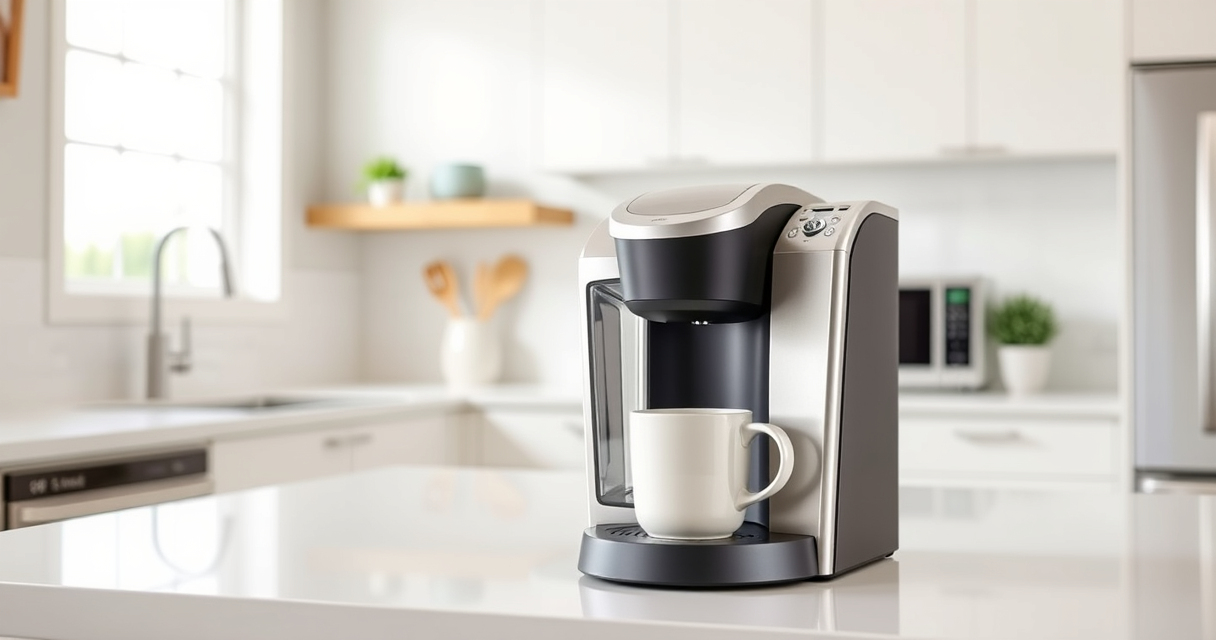
Keurig K-Mini Single Serve K-Cup Pod Coffee Maker
- ✔ Size: Less than 5 inches wide
- ✔ Brew Size: 6-12oz
- ✔ Color: Black

My K-Cup® Reusable Coffee Filter
- ✔ Material: Plastic
- ✔ Compatibility: K-Mini, others
- ✔ Use: Ground coffee
Keurig K-Mini Single Serve K-Cup Pod Coffee Maker
The Keurig K-Mini Single Serve K-Cup Pod Coffee Maker is a popular choice for small spaces, offering quick, fresh brews with minimal fuss. Its compact size and simple operation make it ideal for apartments, offices, or travel.
Pros:
- Space-saving design
- Easy to use
- Brews multiple cup sizes
- Removable drip tray
Cons:
- Limited water reservoir capacity
- No on/off switch
- Requires regular descaling
Best for: Small homes, offices, travel
Not ideal for: Users needing large capacity or advanced features
Bottom line: A compact, efficient coffee maker perfect for small spaces and quick brewing needs.
My K-Cup® Reusable Coffee Filter
The My K-Cup® Reusable Coffee Filter allows you to brew your favorite ground coffee, giving you more control and reducing waste. Compatible with the Keurig K-Mini and other models, it’s a versatile addition.
Pros:
- Brew with ground coffee
- Eco-friendly
- Cost-effective
- Easy to clean
Cons:
- Requires measuring ground coffee
- Longer brew time
- Less variety compared to pods
Best for: Ground coffee lovers, eco-conscious users
Not ideal for: Those preferring quick, pre-packaged K-Cups
Bottom line: A cost-effective, eco-friendly way to brew fresh ground coffee with your Keurig.
Frequently Asked Questions
Why won’t my Keurig turn on even when plugged in?
Check the power outlet, power cord, and ensure the machine is properly plugged in. Try a different outlet if necessary.
Could mineral buildup prevent my Keurig from turning on?
Yes, mineral deposits can interfere with internal electronics. Descaling the machine might resolve the issue.
Is there a reset button on the Keurig K-Mini?
The Keurig K-Mini does not have a dedicated reset button. Unplugging and plugging it back in can serve as a reset.
When should I replace my Keurig if it won’t turn on?
If troubleshooting fails and the unit is still unresponsive, it may be time to contact support or consider replacement.
Getting Your Keurig Back in Brew-Ready Shape
Experiencing power issues with your Keurig K-Mini can often be resolved with simple checks and maintenance. Start by confirming your power source and inspecting the cord and buttons. Regular descaling can prevent internal buildup that causes electrical problems. If all else fails, professional repair or replacement may be necessary. With proper care, your Keurig can continue providing quick, fresh coffee for years to come.
Affiliate disclosure: As an Amazon Associate we earn from qualifying purchases. Prices and availability are accurate as of the time of publishing.
Halloween Picks
halloween
As an affiliate, we earn on qualifying purchases.